Every screen below is the real software, photographed in a demo shop called Northgate Prototyping. Nothing is a mockup and nothing is retouched. Click any screenshot to see it at full size.
01 · Home
What needs attention today
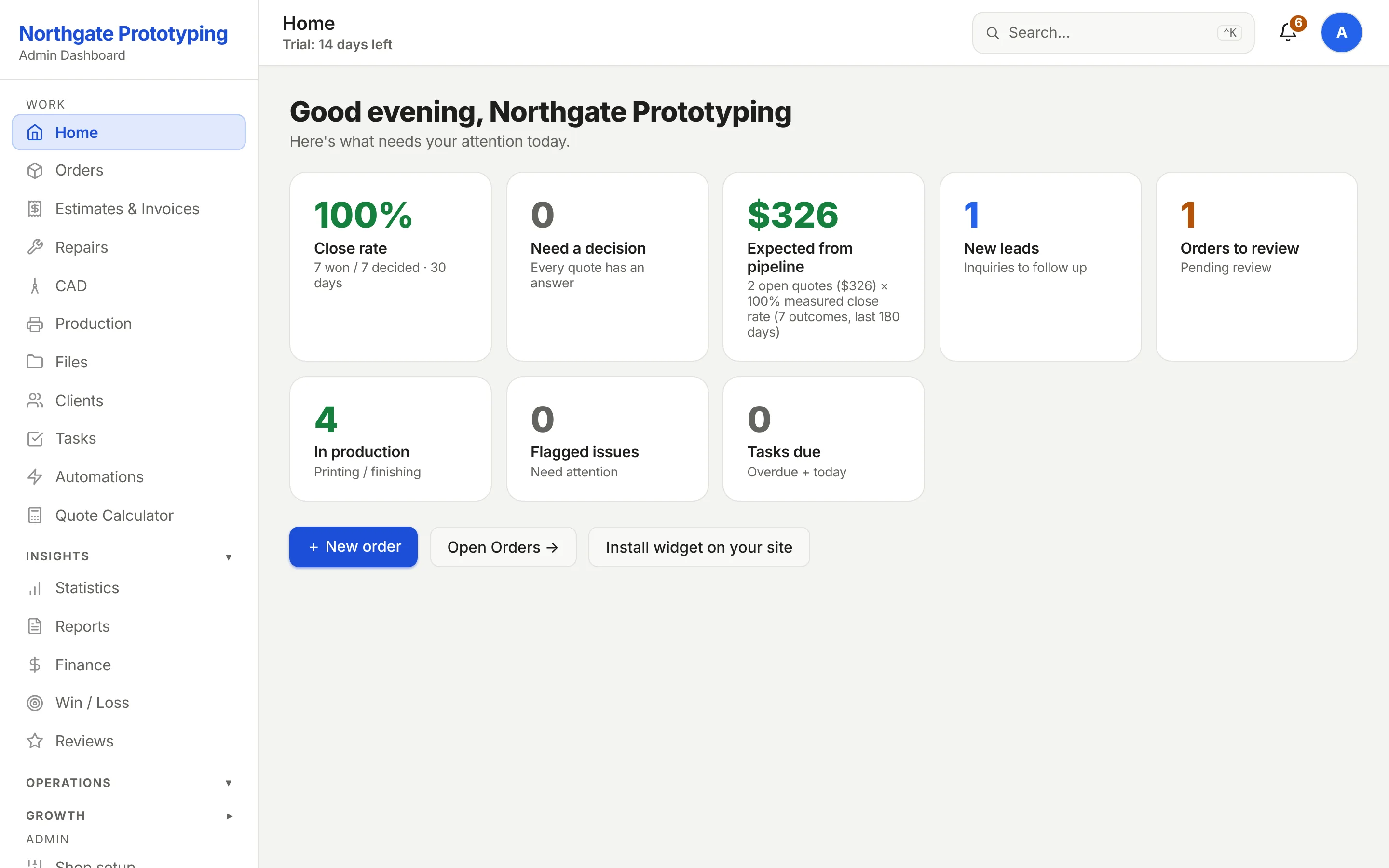
The first screen after signing in: close rate, quotes waiting on a decision, expected revenue in the pipeline, new leads, orders to review and jobs in production. Every number is a link to the list behind it.
CloseThe Layers3D home screen for the demo shop: tiles for close rate, quotes needing a decision, expected revenue from the pipeline, new leads, orders to review and jobs in production, with quick actions to add an order or install the quote widget.
02 · Orders · Sell
The Sell board
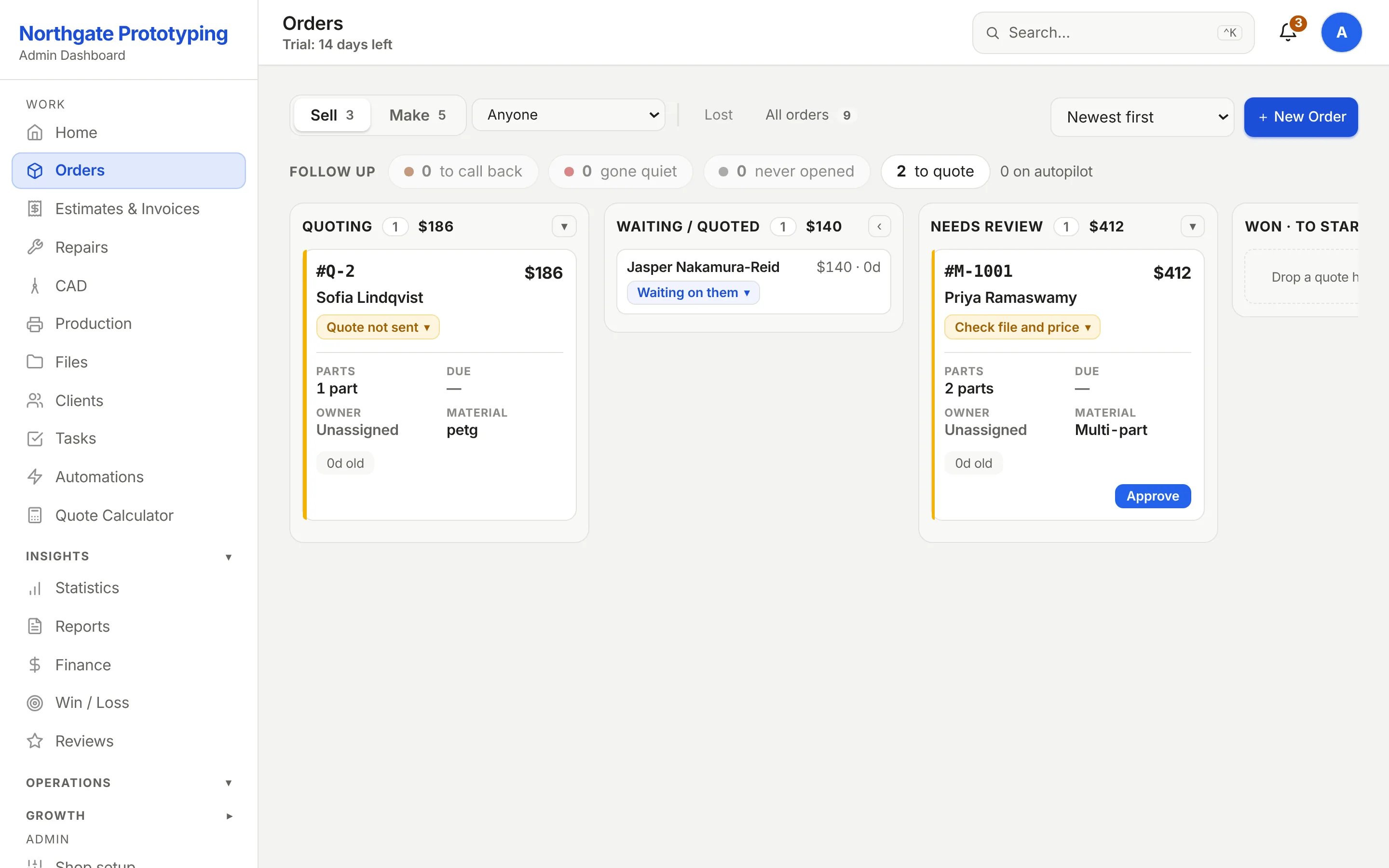
Quoting, Waiting or quoted, Needs review, Won. Column totals show the money in each stage. The card with the hourglass is a request that arrived without a file; the chase email is one approval away and the card says when it wakes up.
CloseThe Sell board: Quoting, Waiting/Quoted, Needs review and Won columns with counts and dollar totals, a card waiting for the customer to send a file with its wake-up date, and Approve buttons on two quotes with part thumbnails.
03 · Orders · Make
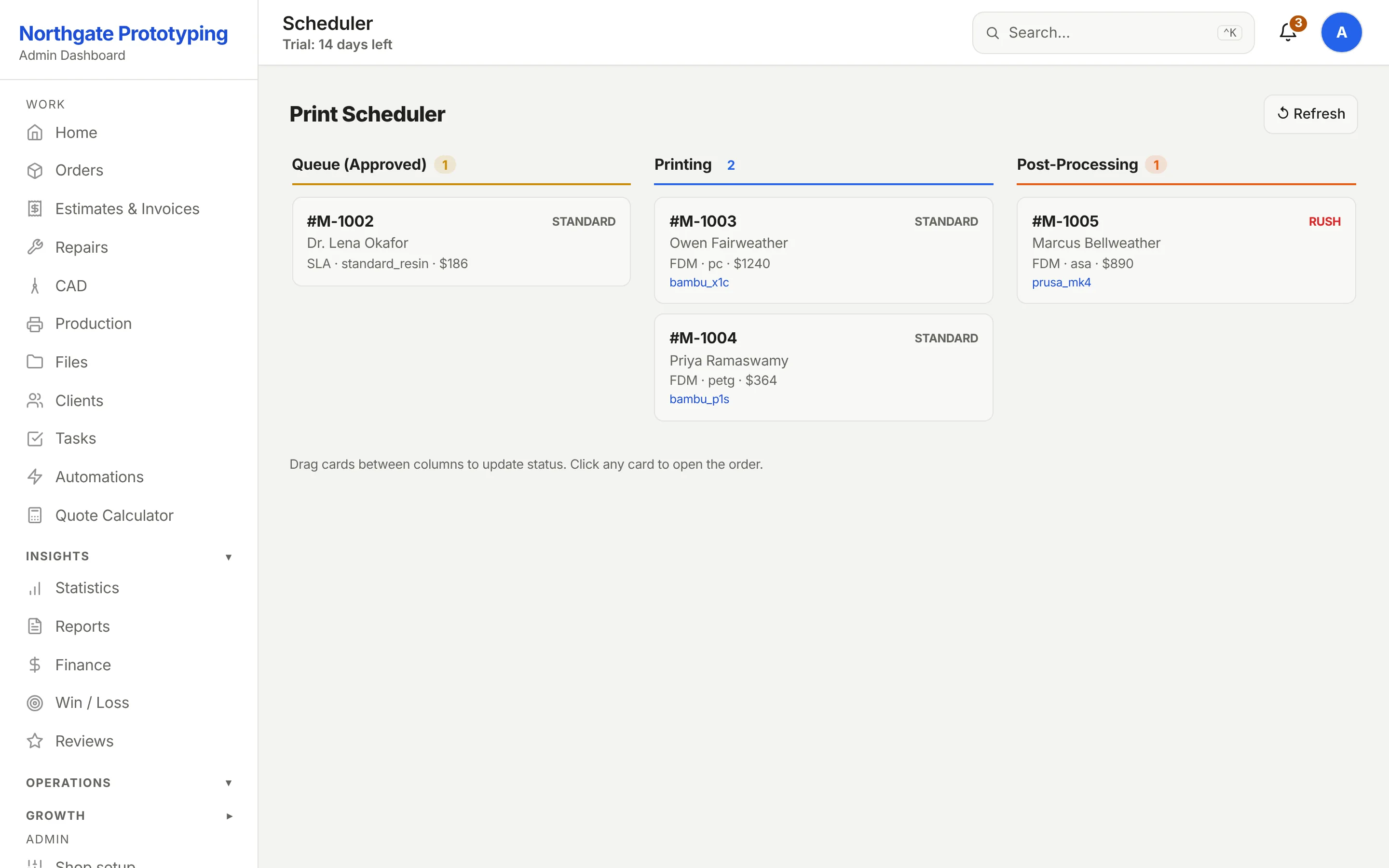
The Make board
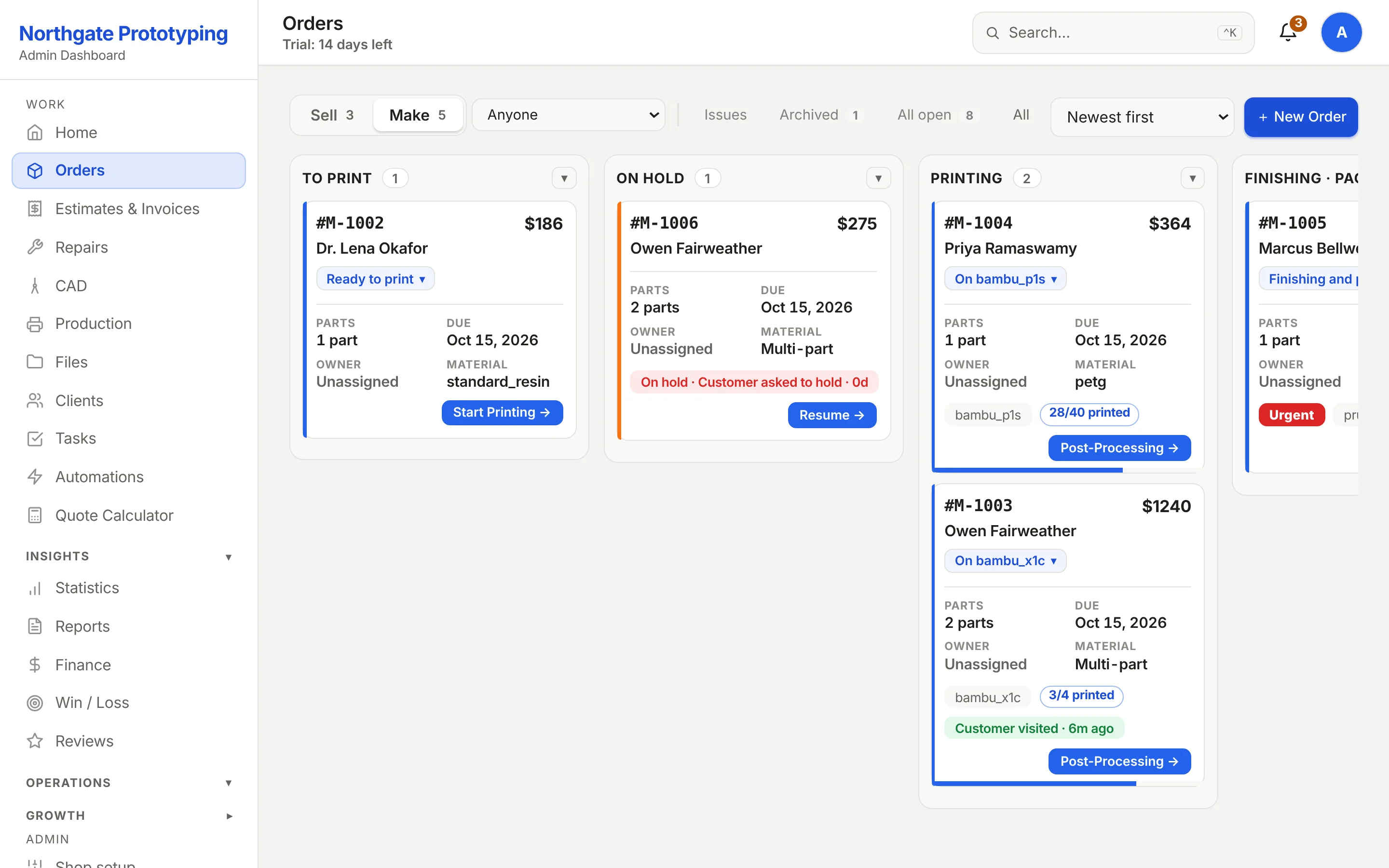
To print, Printing, Finishing and On hold. Every card carries a picture of the part, the machine it is on, how many pieces are done and the one button that moves it forward. The amber date and the Urgent chip are the same job; the orange card is on hold with the reason and a Resume button.
CloseThe Make board: a dental arch in To print, a cable-chain link on a Bambu P1S at 28 of 40 pieces and an impeller housing on a Bambu X1C at 3 of 4 in Printing, an urgent duct adapter on a Prusa MK4 in Finishing, and an L-bracket job on hold with the reason and a Resume button.
04 · Your website
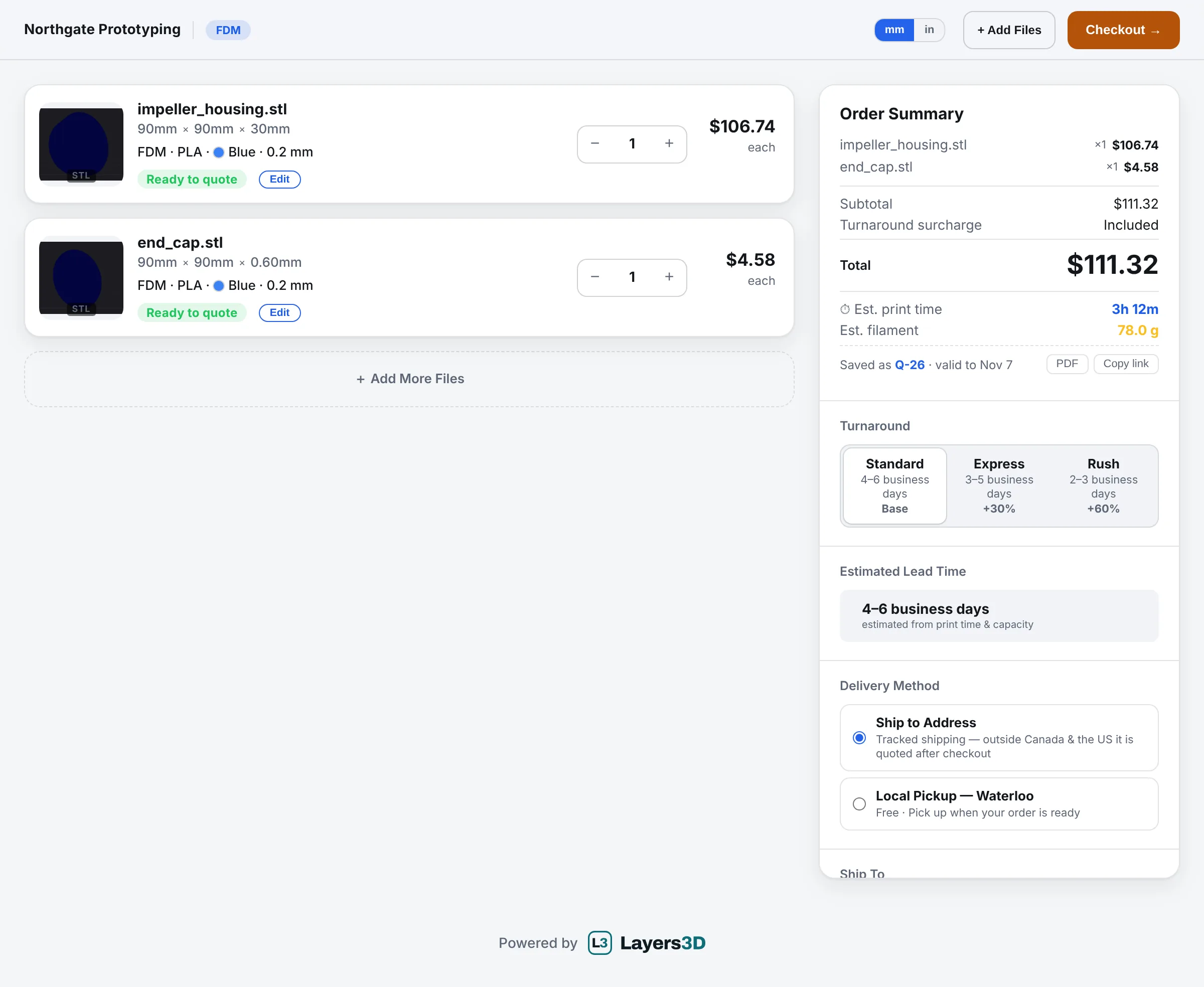
The customer's quote page
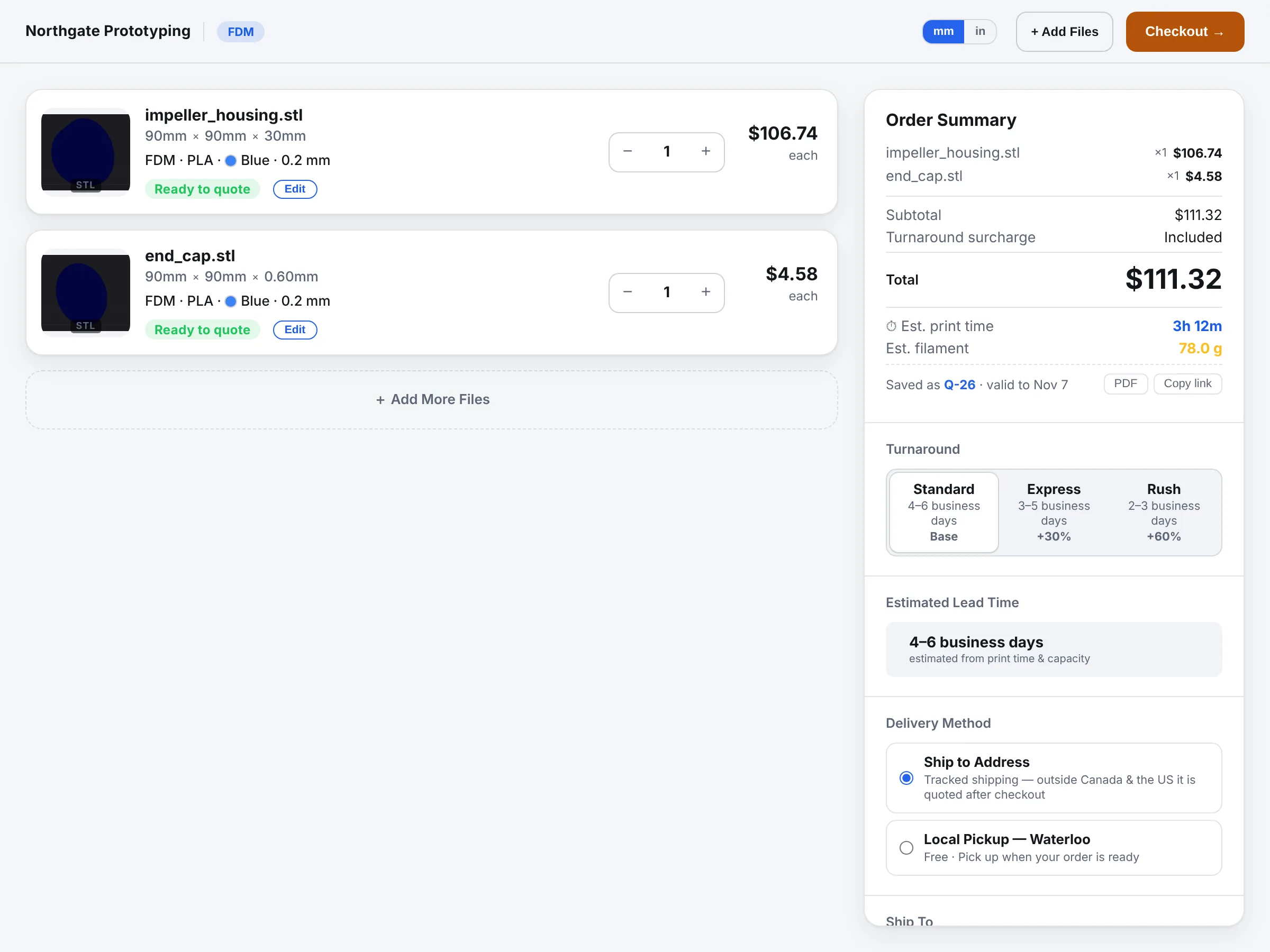
What a customer sees after uploading two files on the shop's site: a 3D preview, measured dimensions, process, material, layer height, infill, finish, colour and tolerance, with the price per part, the estimated print time and filament, the turnaround options and the delivery method. Saved as a Q-number they can come back to.
CloseThe customer quote page with two uploaded STL files: each part shows a 3D preview, its size in millimetres, process, material, layer height, infill, finish, colour and tolerance choices, a price per part, and the order summary lists the subtotal, estimated print time, filament, turnaround and delivery options.
The whole page, top to bottom. Scroll inside the frame.
CloseThe full customer quote page from the header to the shipping address form, including both configured parts, the order summary, turnaround, lead time, delivery method and the contact details.
05 · The customer's inbox
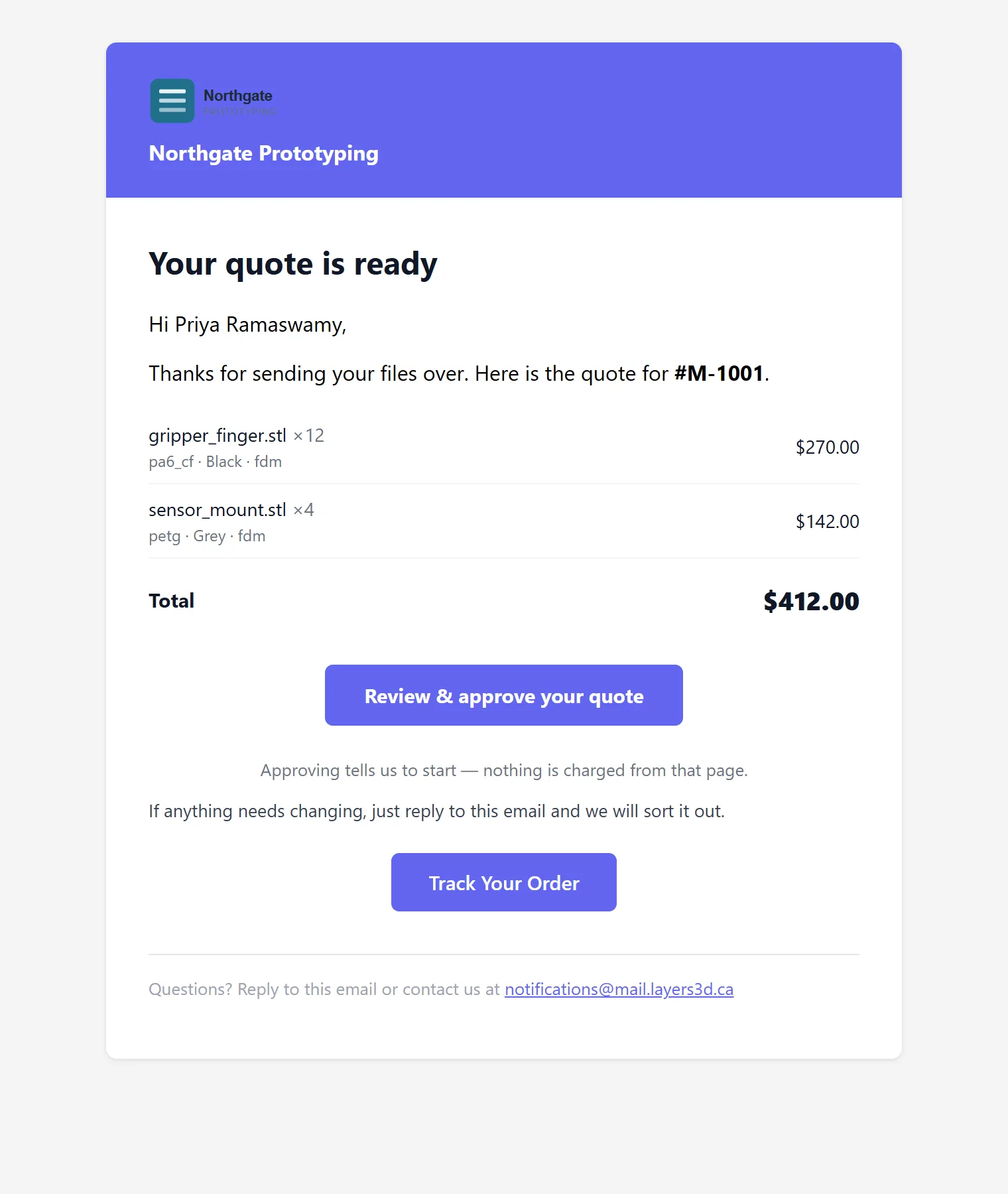
The quote email
The shop's logo and name in the header, the parts with quantities and prices, the total, and two buttons: approve the quote, or track the order. Approving tells the shop to start; nothing is charged from that page.
CloseThe quote email: the shop's logo and name in a coloured header, the words Your quote is ready, two parts with quantities and prices, a total of $412.00, a Review and approve your quote button and a Track Your Order button.
06 · The customer's tracking page
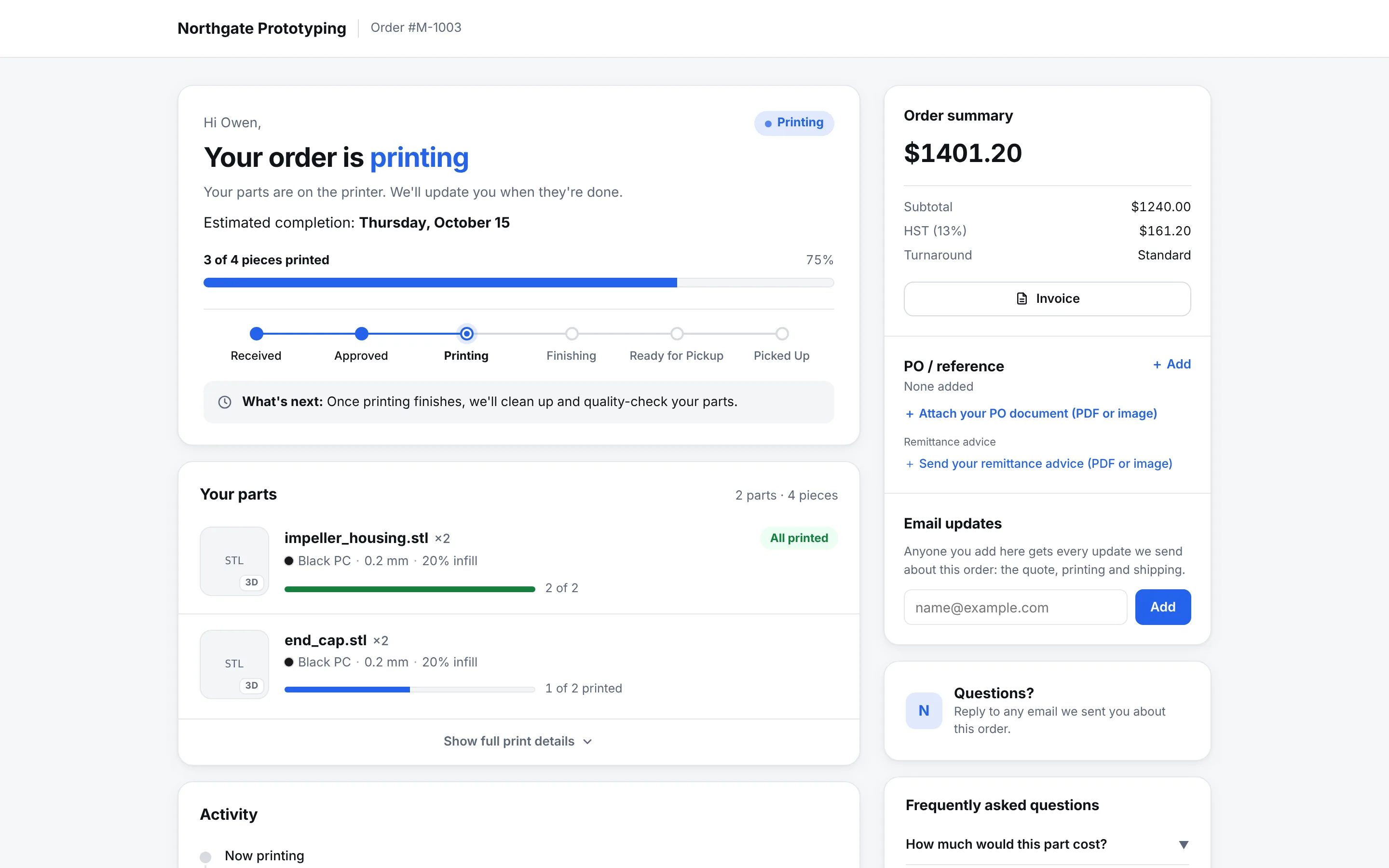
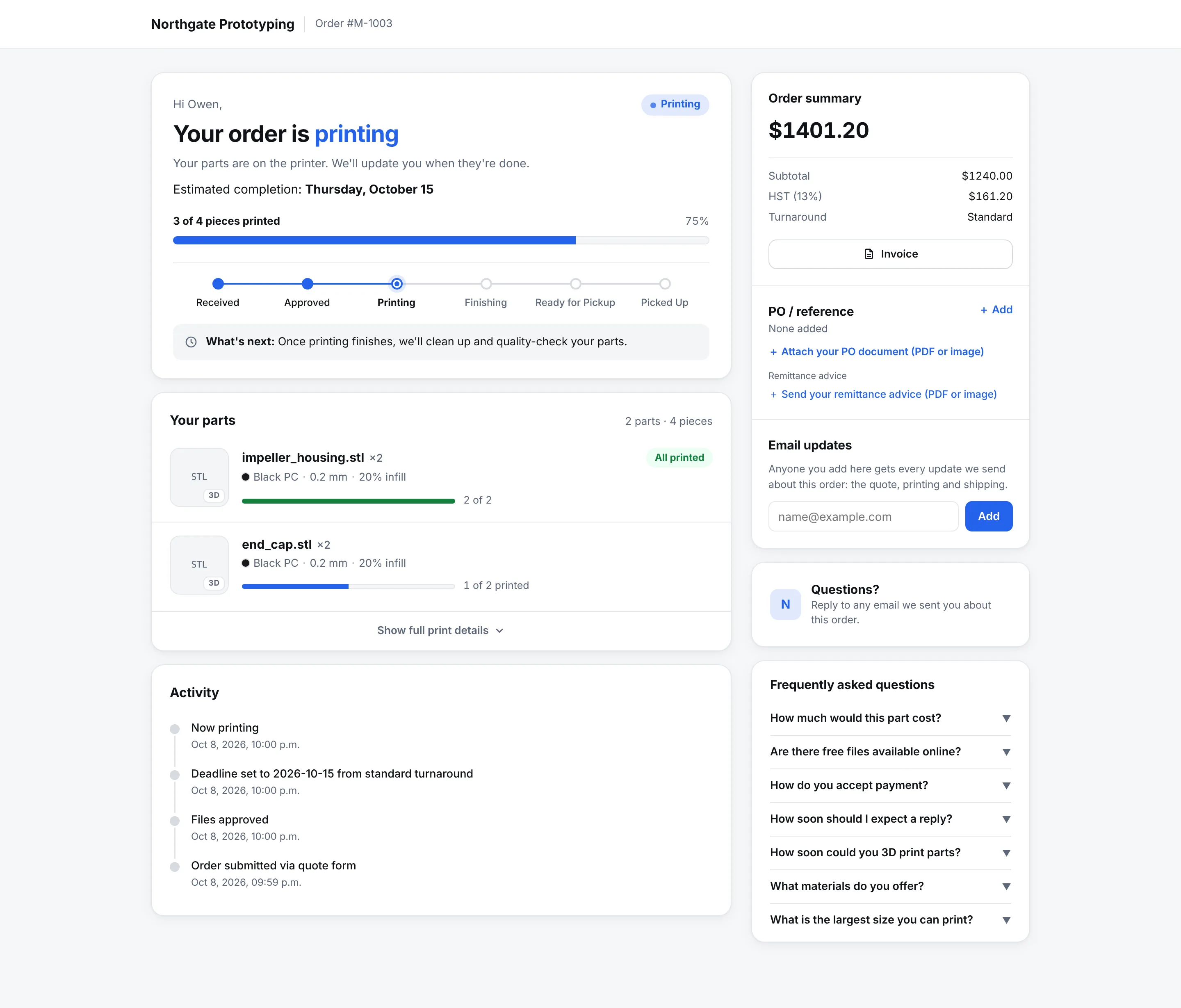
They watch it happen
Branded as the shop, not as Layers3D. A six-step status bar, the estimated completion date, receipt and HST invoice buttons, and a card per part with its settings and a progress bar fed by the same counts the floor enters.
CloseThe customer tracking page for order M-1003, branded Northgate Prototyping: Email Receipt, Receipt and HST Invoice buttons, a how-it-works strip, a six-step status bar at Printing with the estimated completion date, and a part card with process, material, colour, layer height, infill, size, tolerance and a 2 of 2 printed progress bar.
The whole tracking page. Scroll inside the frame.
CloseThe full customer tracking page from the branded header to the footer, including the status bar, both part cards with their progress bars, the pickup details and the contact section.
07 · The shop floor
The box QR page
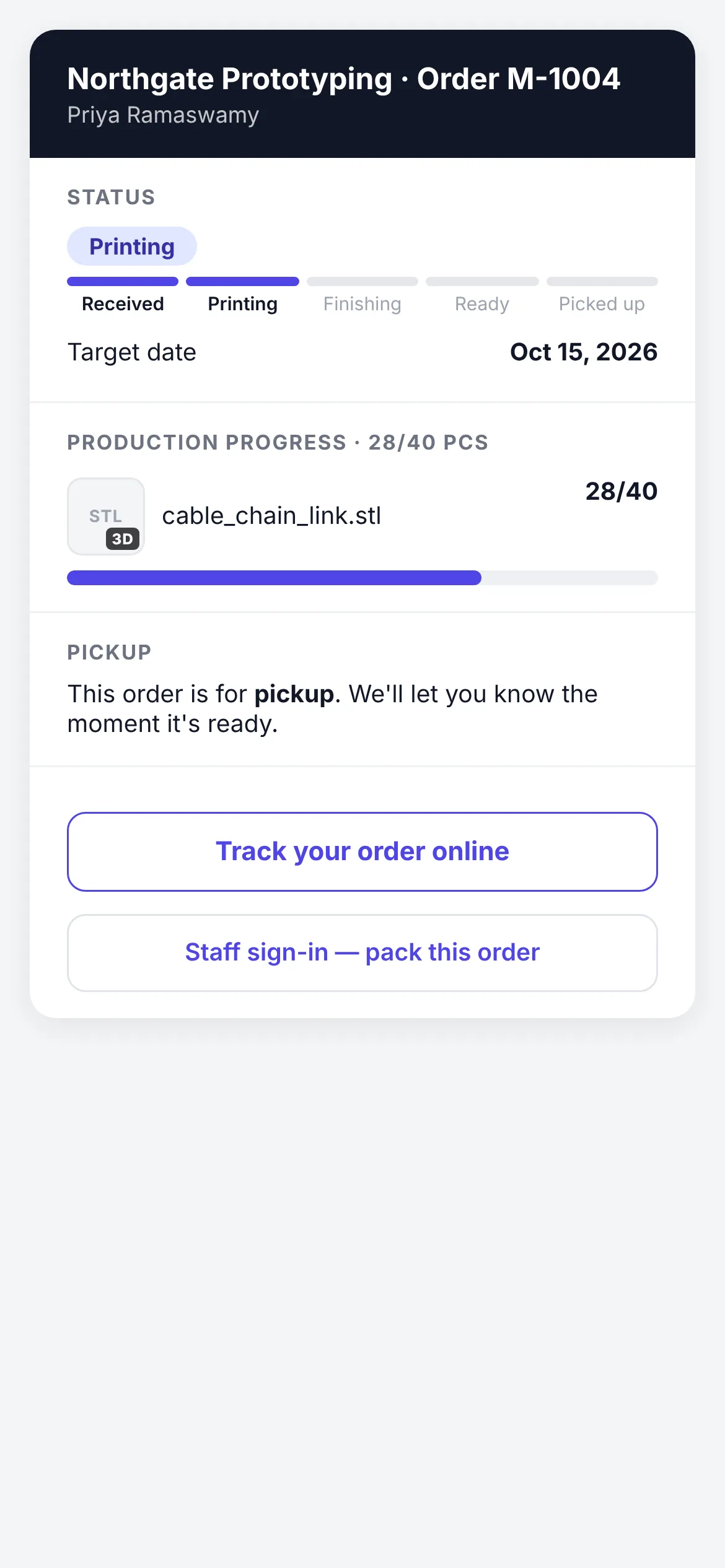
What a phone opens after scanning a box label: the order, its status, the target date, the part with a thumbnail and the piece count, and where the box goes next. No login to scan. Money never appears on this page.
CloseThe box page on a phone for order M-1004: the shop's name and the order number, a status bar at Printing, the target date, a 3D thumbnail of the cable-chain link with 28 of 40 pieces printed and a progress bar, the pickup note and a Track your order button.
08 · Settings · Users
Users and roles
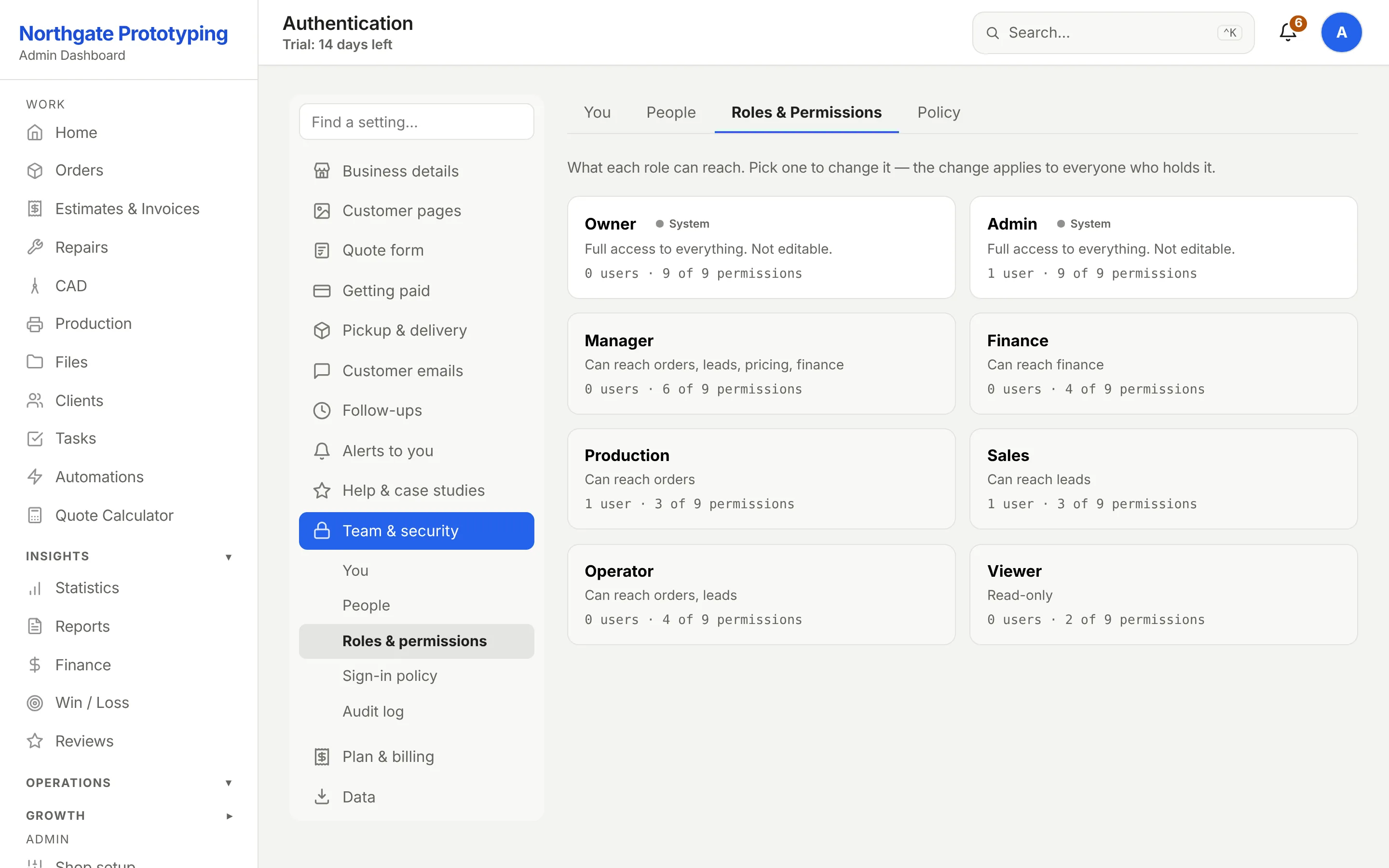
Four team members, four roles. Each row can be edited, have its two-factor device reset, or be deactivated. Roles carry permission defaults the shop can override.
CloseThe Users page: four team members with username, display name, a role badge for admin, production, sales and finance, active status, created date, and buttons to edit, reset two-factor authentication or deactivate each.
09 · Apps
Integrations
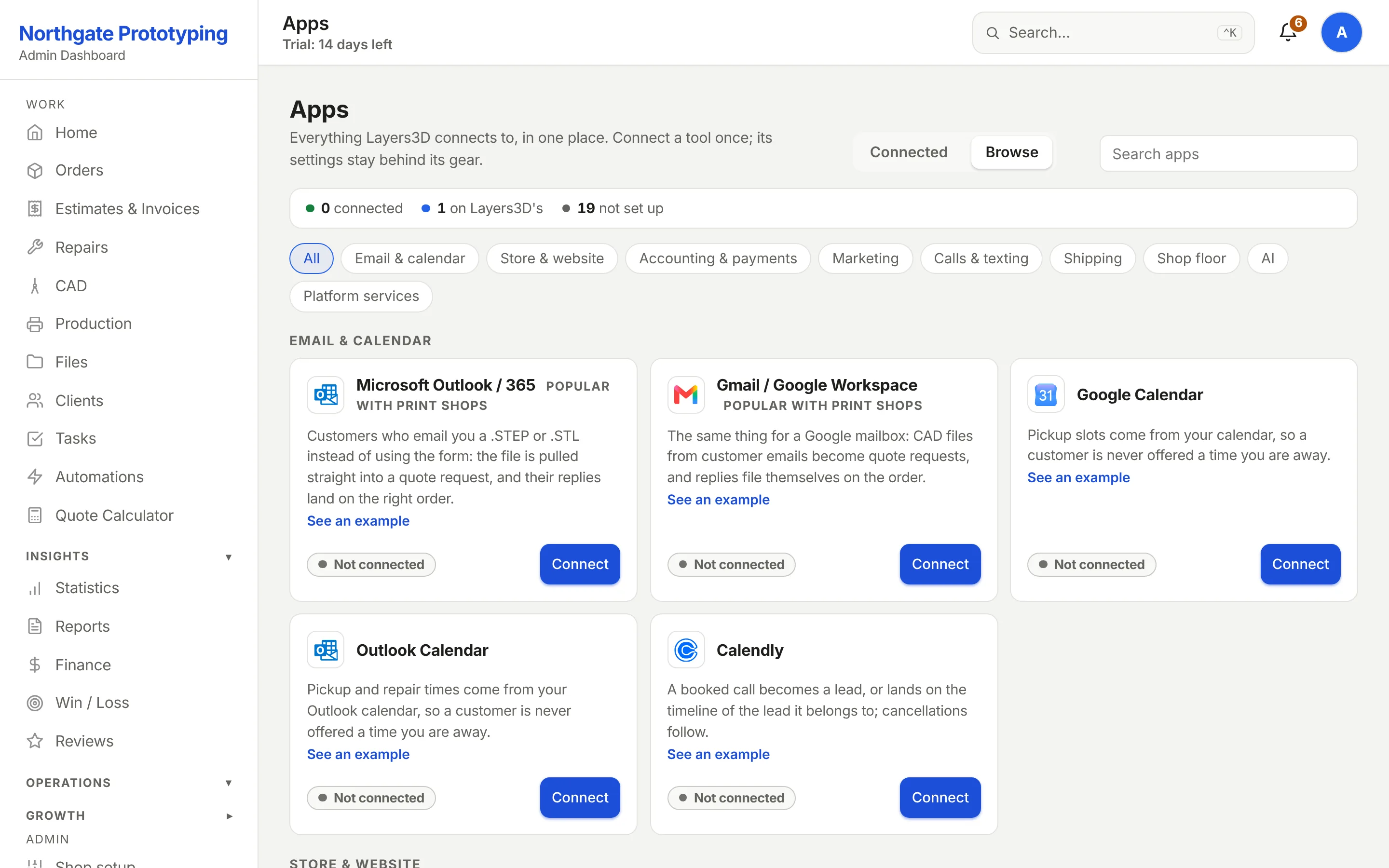
Every app in one place, sorted by what it does: email, your store, your books, the shop floor and more. Each card says what it does and whether it's connected. Connect once, and its settings stay behind the gear.
CloseThe Apps page in the admin: every app Layers3D connects to, sorted into email and calendar, store, accounting and payments, marketing, calls and texting, shipping, shop floor and AI, each card saying what it does and whether it is connected.
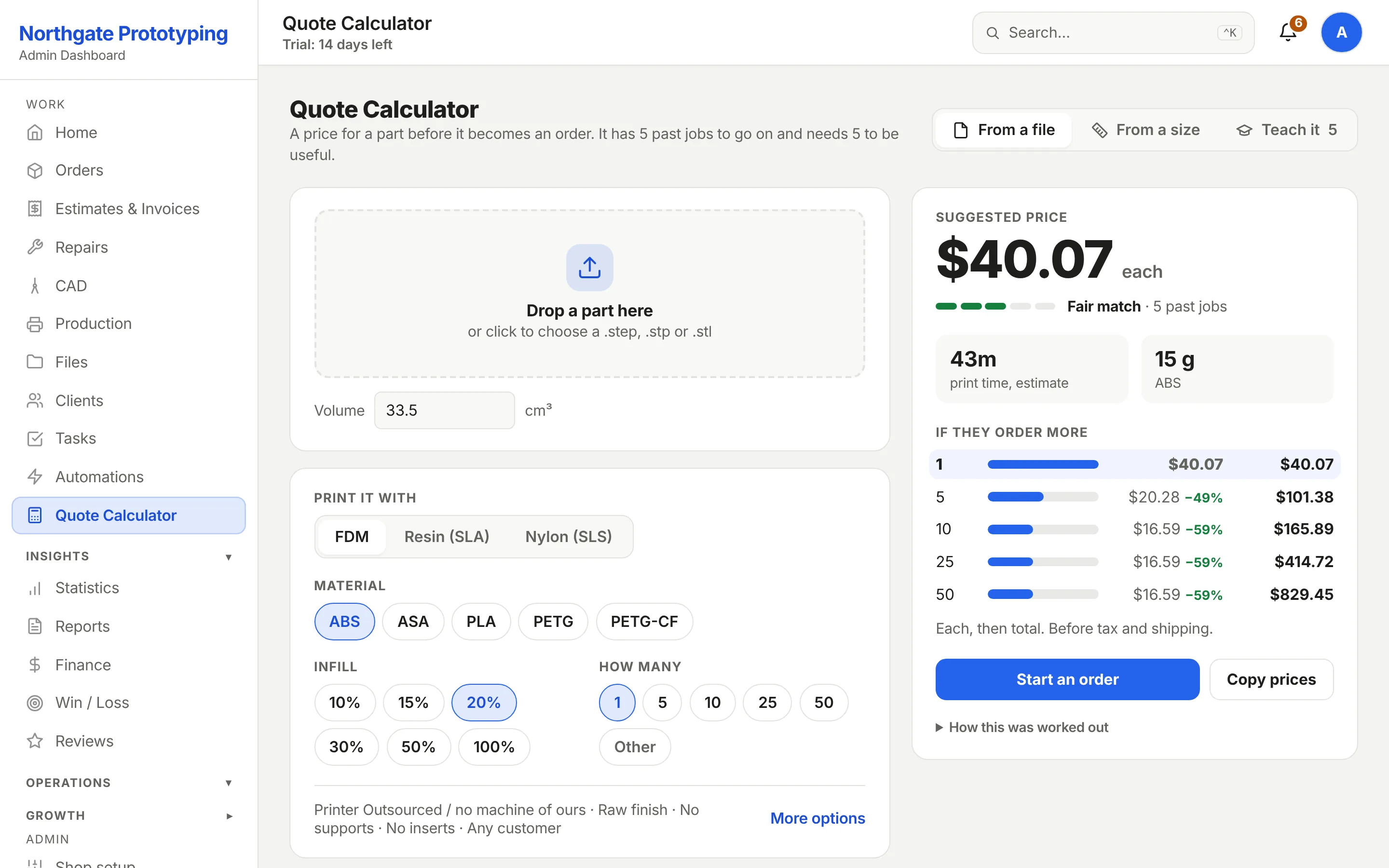
10 · Quote Calculator
The internal calculator
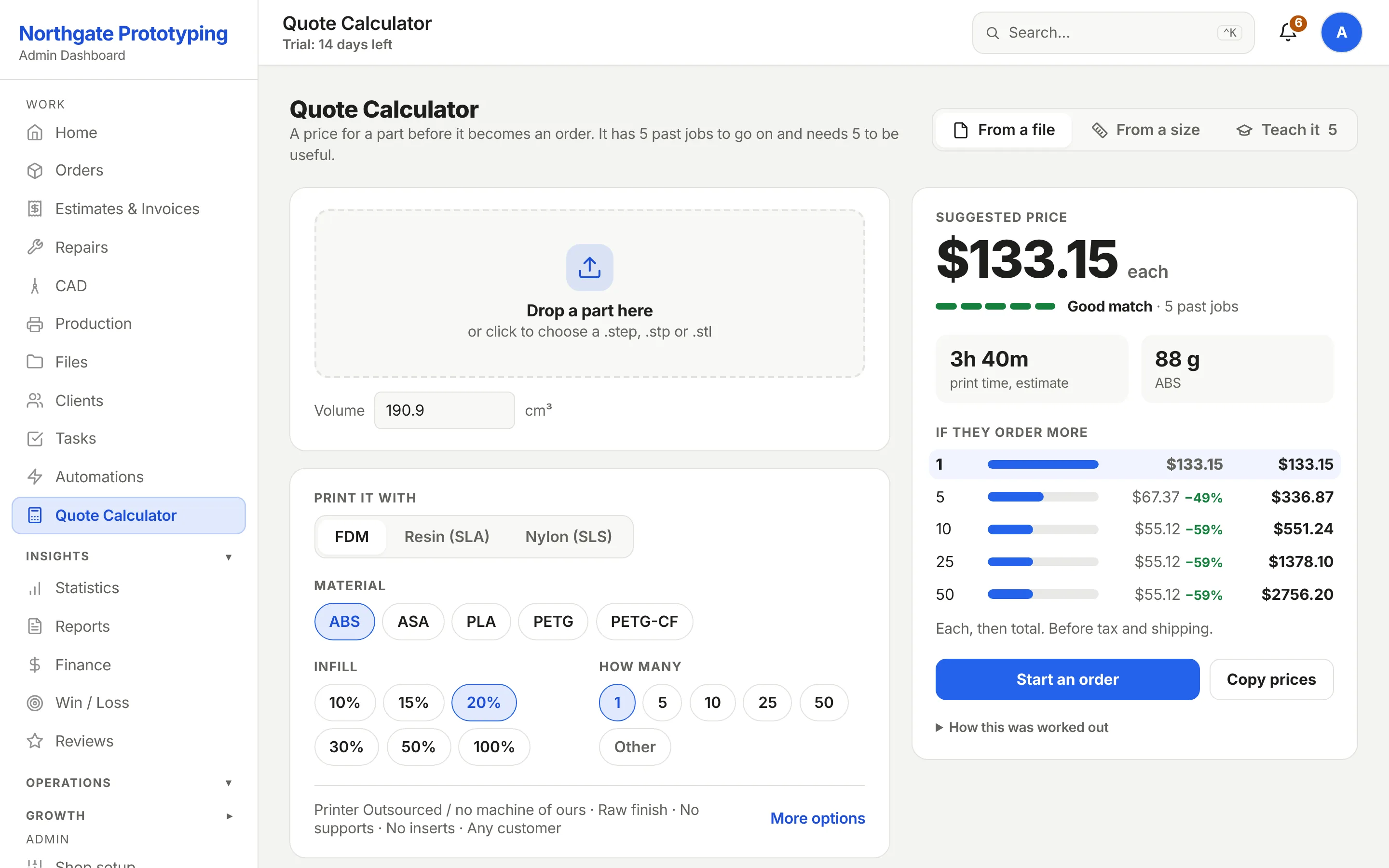
For the quotes you price yourself: technology, printer, material, volume, infill, finish and quantity tiers, with the estimated material weight and print time. Every completed job becomes a training sample for it.
CloseThe internal quote calculator: technology, printer, material, volume in cubic centimetres, infill, infill pattern, finish, customer type, heated inserts and quantity tiers, with a material estimate of 101 grams and a print time estimate of 3 hours 40 minutes.
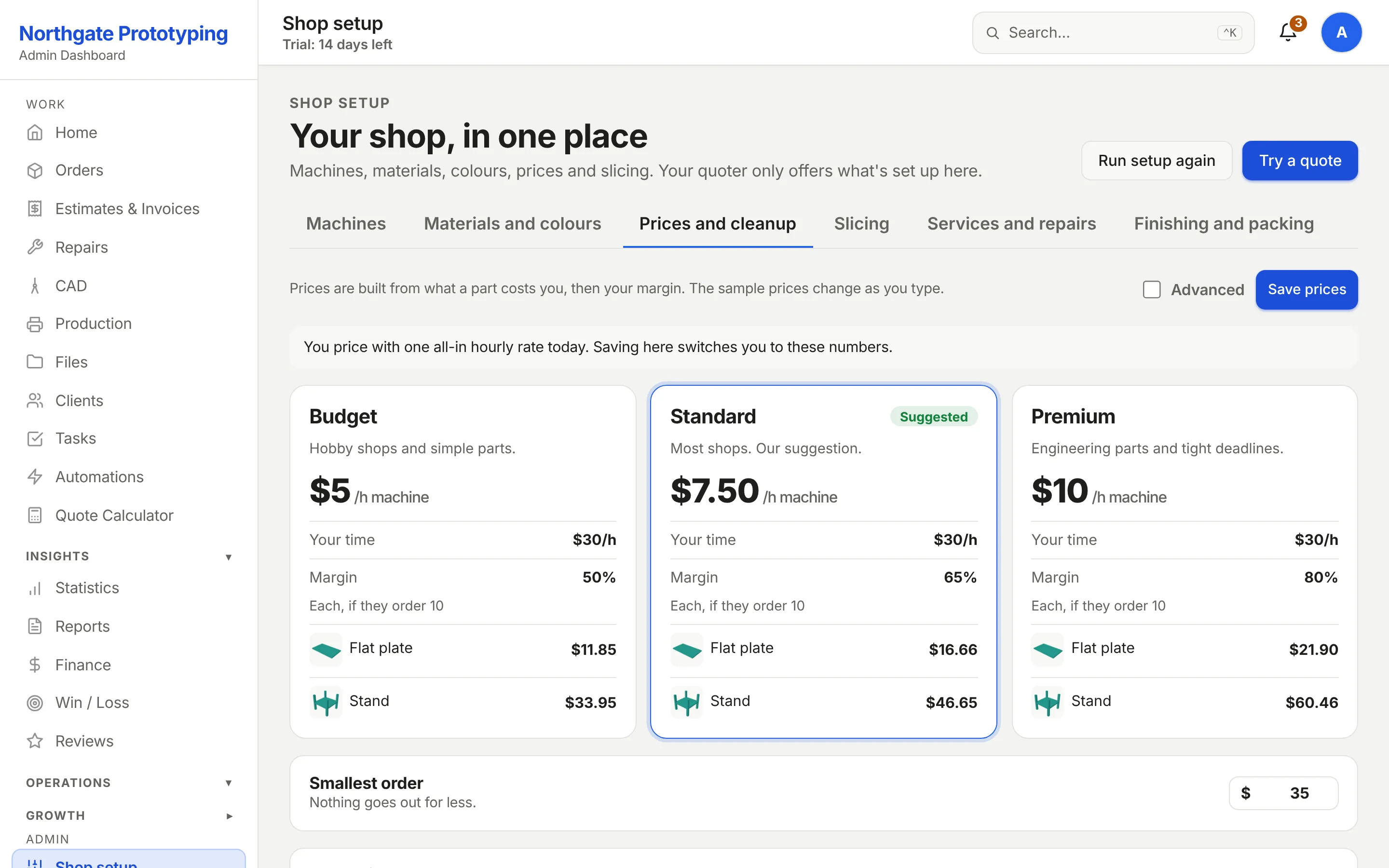
11 · Pricing · Costs & markup
The cost formula
What you pay per roll, machine and electricity rates per technology, overhead, labour, setup per part, CAD clean-up, and a markup slider. The live example at the top reprices as you edit.
CloseThe Costs and markup page: a live example showing material, machine and labour, total cost and the price at 65% markup, above per-roll material costs and machine, electricity, overhead and labour rates.
12 · Quote Calculator · Model ready
The market model, trained
After a handful of won jobs the calculator reports its model is ready, lists which materials it knows, and prices a new part from the nearest past jobs. Train adds a sample from any job you just priced by hand.
CloseThe Quote Calculator with a Model ready banner reporting six training samples across four materials, a part configured as FDM ASA on a P1S, and a material and print-time estimate.
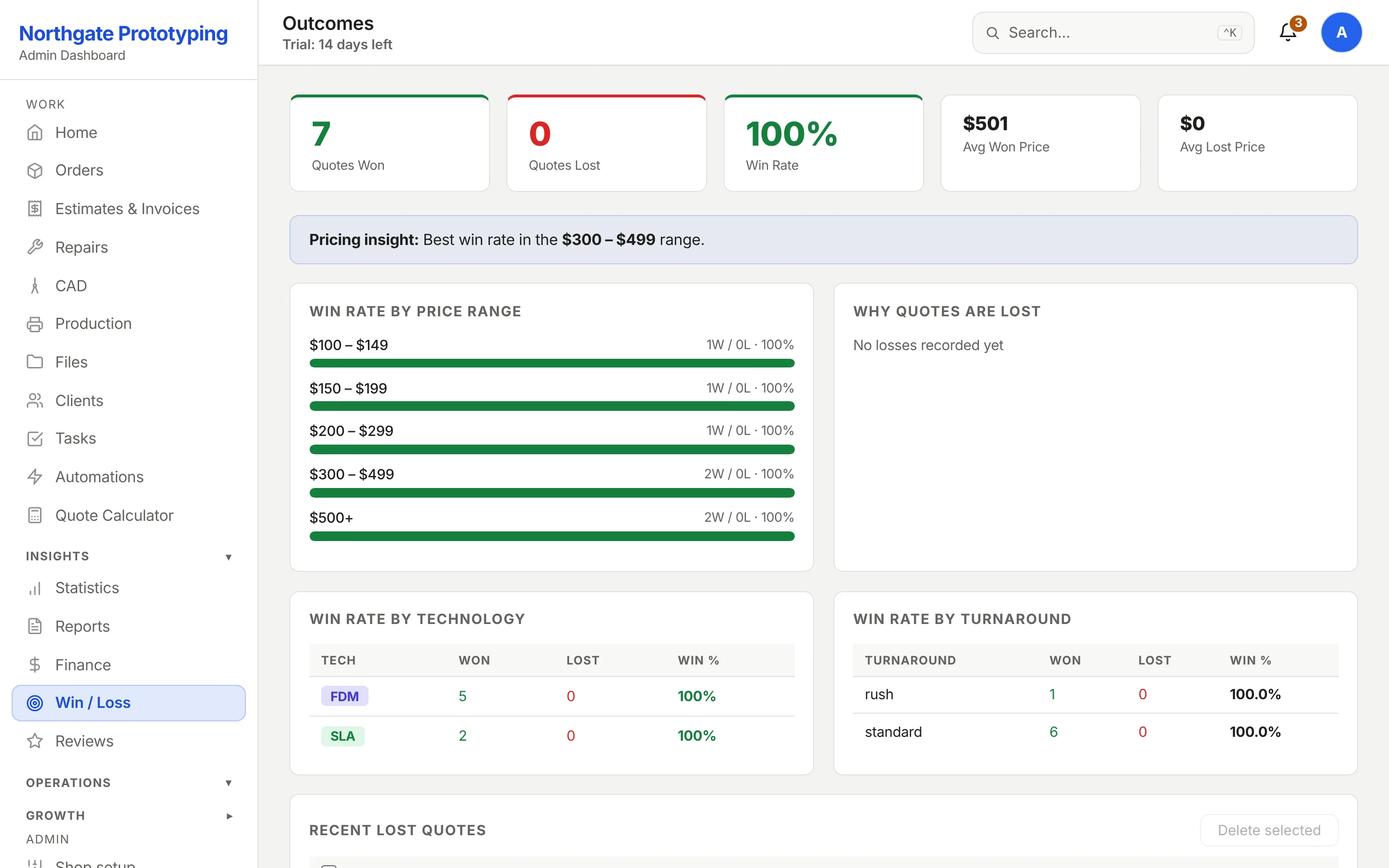
13 · Win / Loss
Where your prices win
Quotes won and lost, win rate, average won and lost price, and win rate by price range with the counts behind each percentage.
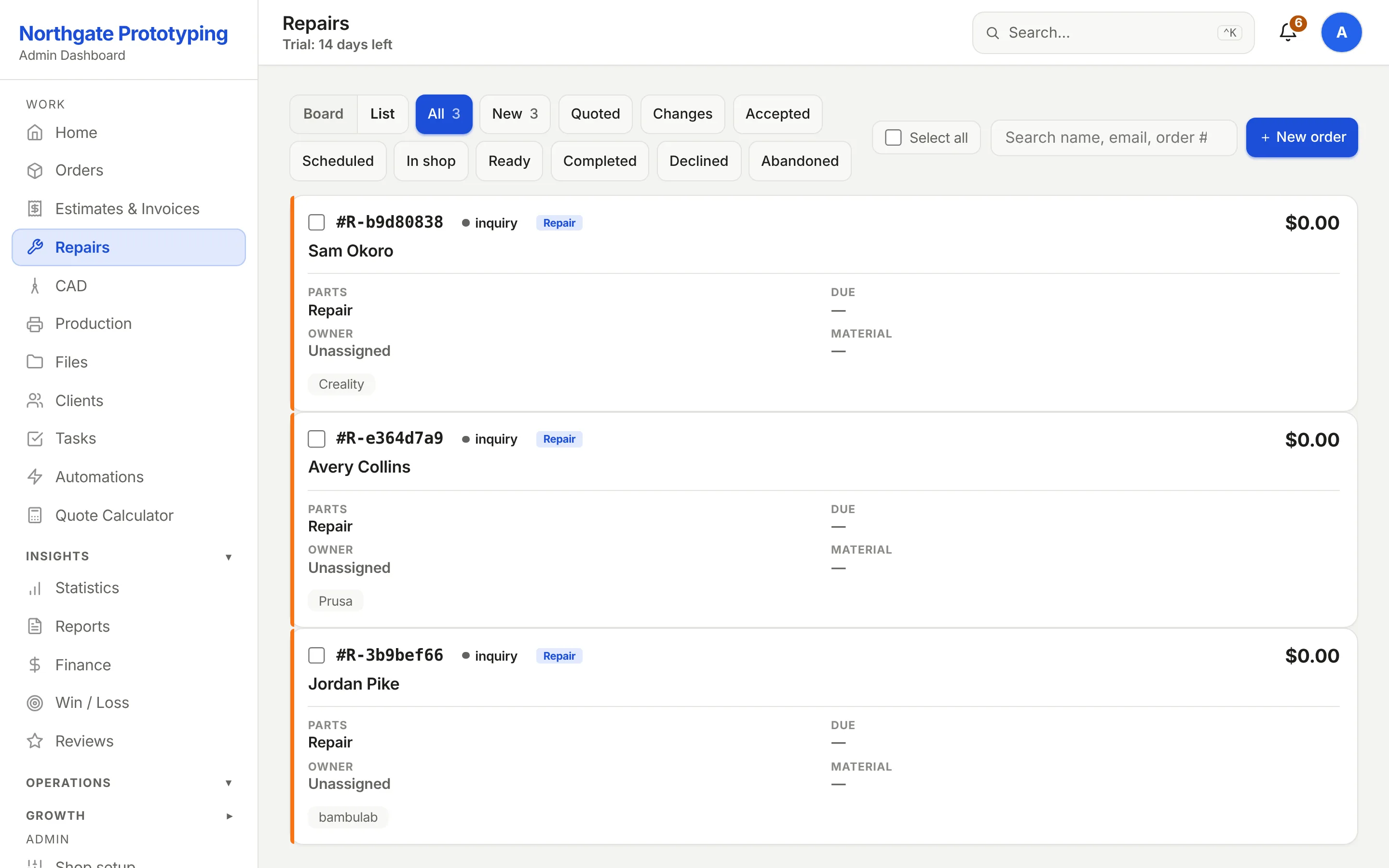
CloseThe Repairs board with stage filters and three tickets: a Prusa MK4 and a Creality Ender 3 as new inquiries and a Bambu Lab P1S with a $78.00 estimate sent.
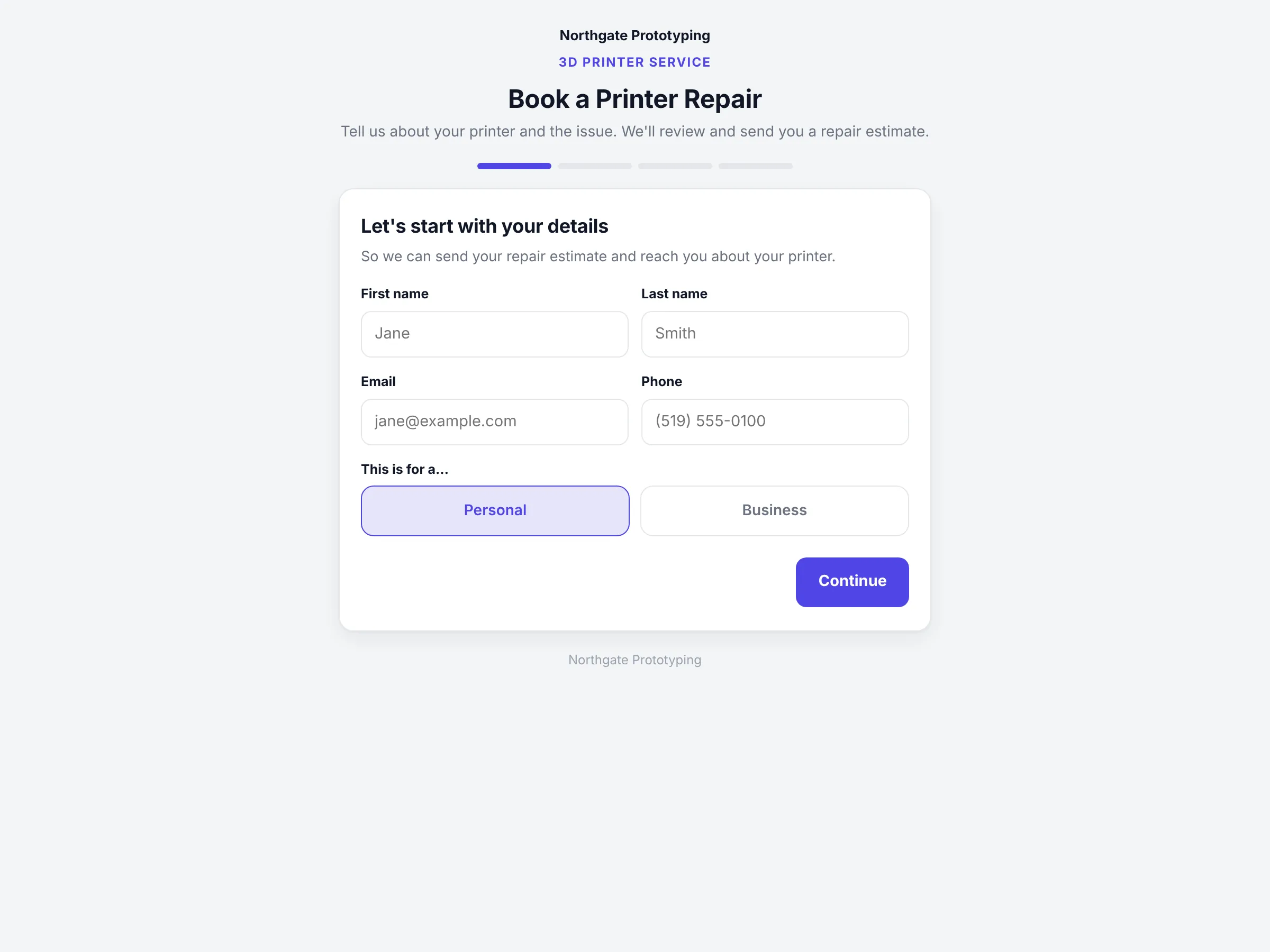
What the customer sees: the branded booking page.
CloseThe branded Book a Printer Repair page with a four-step progress bar and the contact details step.
15 · CAD
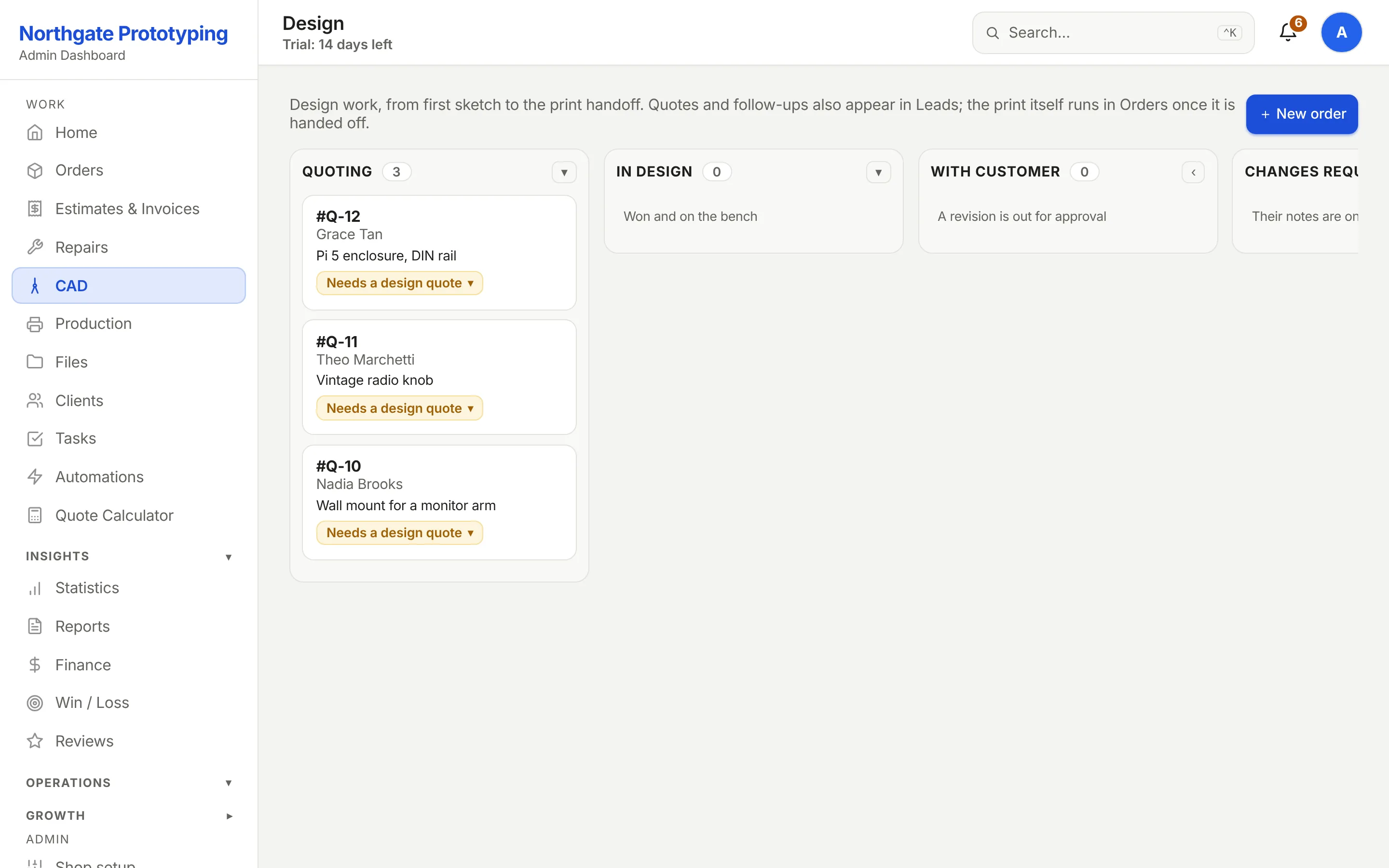
The design board
Quoting, In design, With customer, Changes requested, Approved. Two design requests are being priced here.
CloseThe Email Sequences page showing a three-step sequence with its step count, enrolment field and on-off toggle.
20 · Statistics
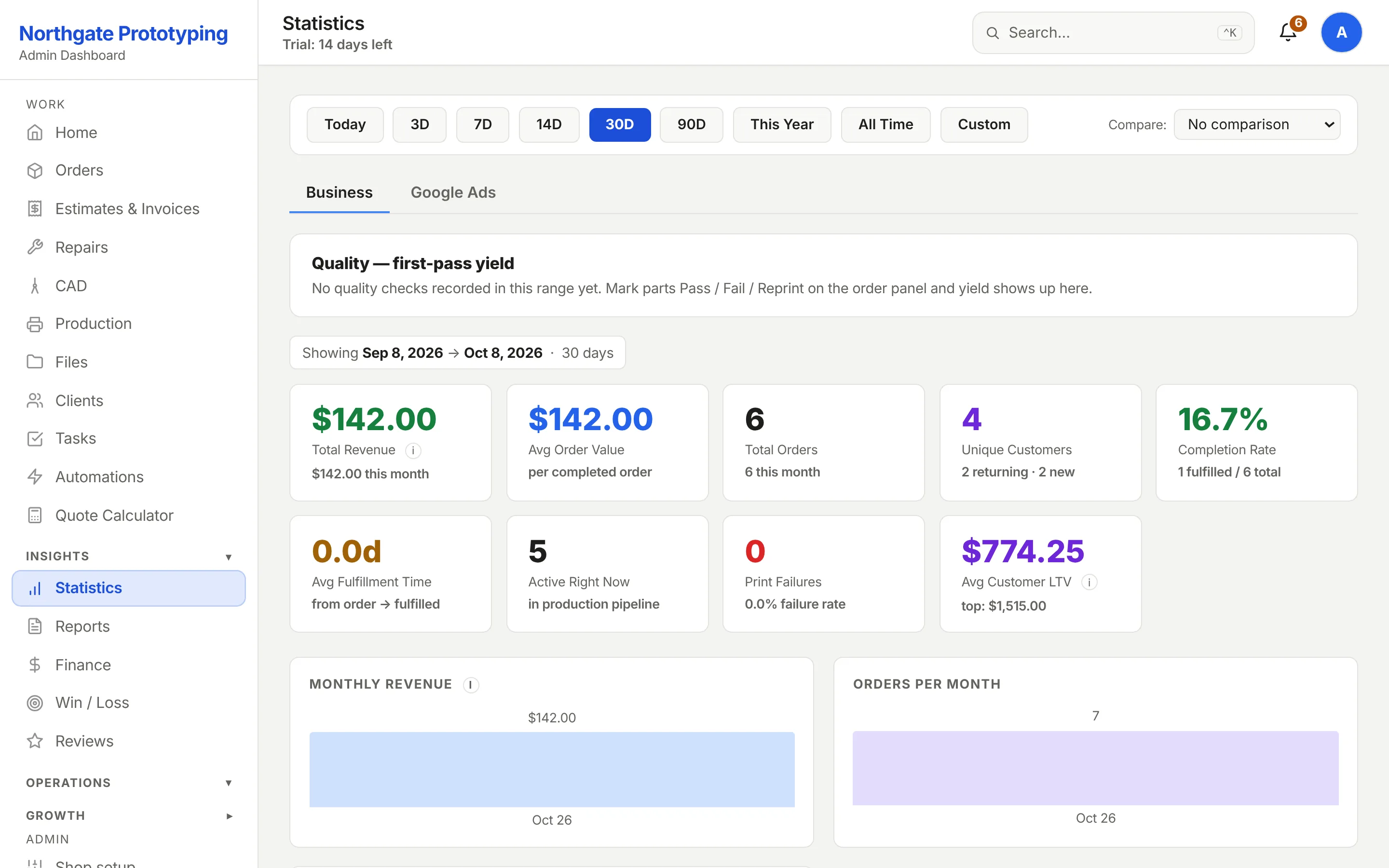
Know your numbers
Revenue, average order, close rate, completion rate, fulfilment time, active jobs, failures and customer lifetime value for any range, with monthly charts below.