Help › Start here
Send your first quote
Try your quote form as a customer, then price a real order and send it.
Pictures taken from Layers3D 2026.15.85 on Oct 17, 2026
Two ways to get your first quote out. Try both.
Try it as a customer
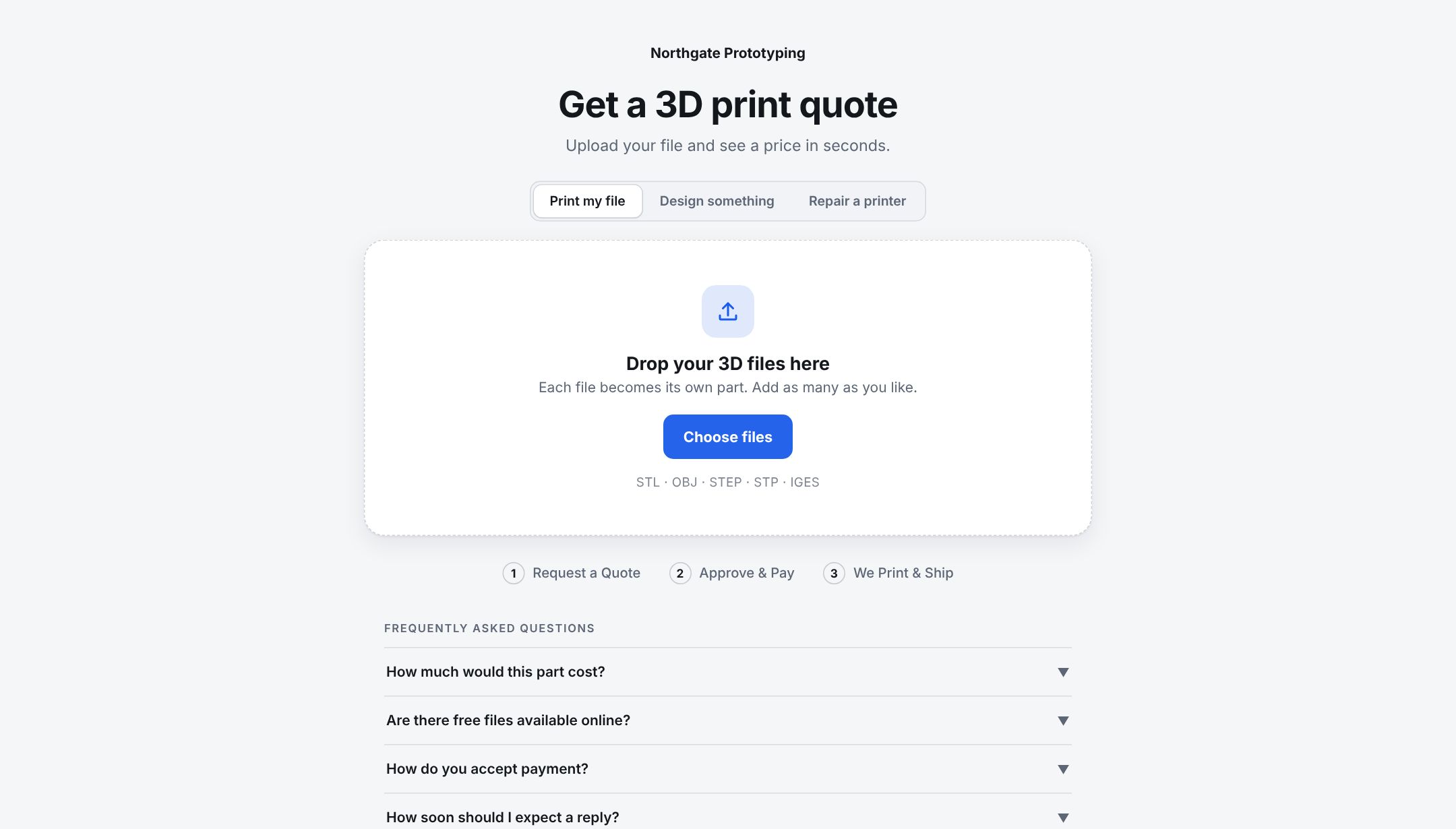
- Go to Shop setup and click Try a quote. Your quote form opens in a new tab, the same page your customers use.
- Drop in a part file, pick a material and send the request.
- Back in Layers3D, it lands on The Sell board as a new quote.
Quote a real job
- Got a job by email or phone? Make it in Orders with New order. See Start an order by hand.
- Open it and make sure every part has a price.
- Click Preview on the quote bar, then Send quote. See Send an estimate.
The customer gets an email with a button to see the price and approve it. When they approve, the order moves on and, if you picked When they accept, the invoice goes out. See Choose how customers pay you.
Updates after that, like order confirmed or shipped, wait for you on Home under Emails to check until you send them.
Put it on your website
When you are happy with it, Put the quoter on your website.
Still stuck? Inside Layers3D, open Help and choose Message us. A person answers.