Help › Your customers
Check emails before they go
With Ask me first, the emails that go out when an order moves wait on Home until you press Send.
Pictures taken from Layers3D 2026.16.04 on Oct 19, 2026
Some emails go out by themselves when an order moves: confirmed, printing, ready, shipped and the rest. With Ask me first, they wait for you instead.
Turn it on or off
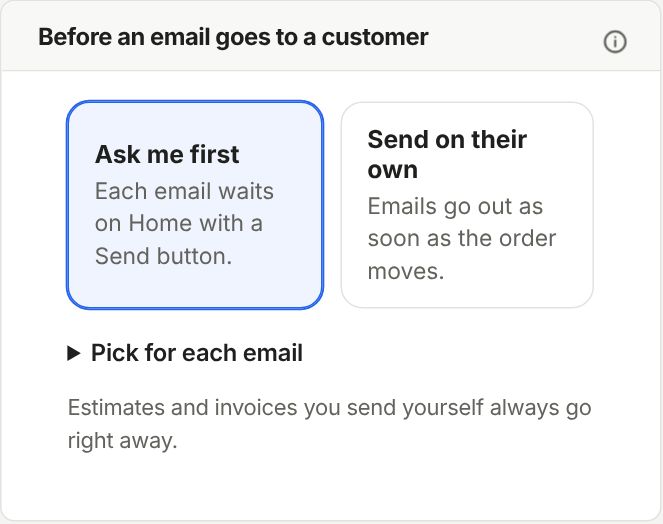
Go to Settings › Customer emails › Before an email goes to a customer. Pick Ask me first or Send on their own. New shops start on Ask me first.
Only some? Open Pick for each email and set each one to Ask me or Just send.
Send what's waiting
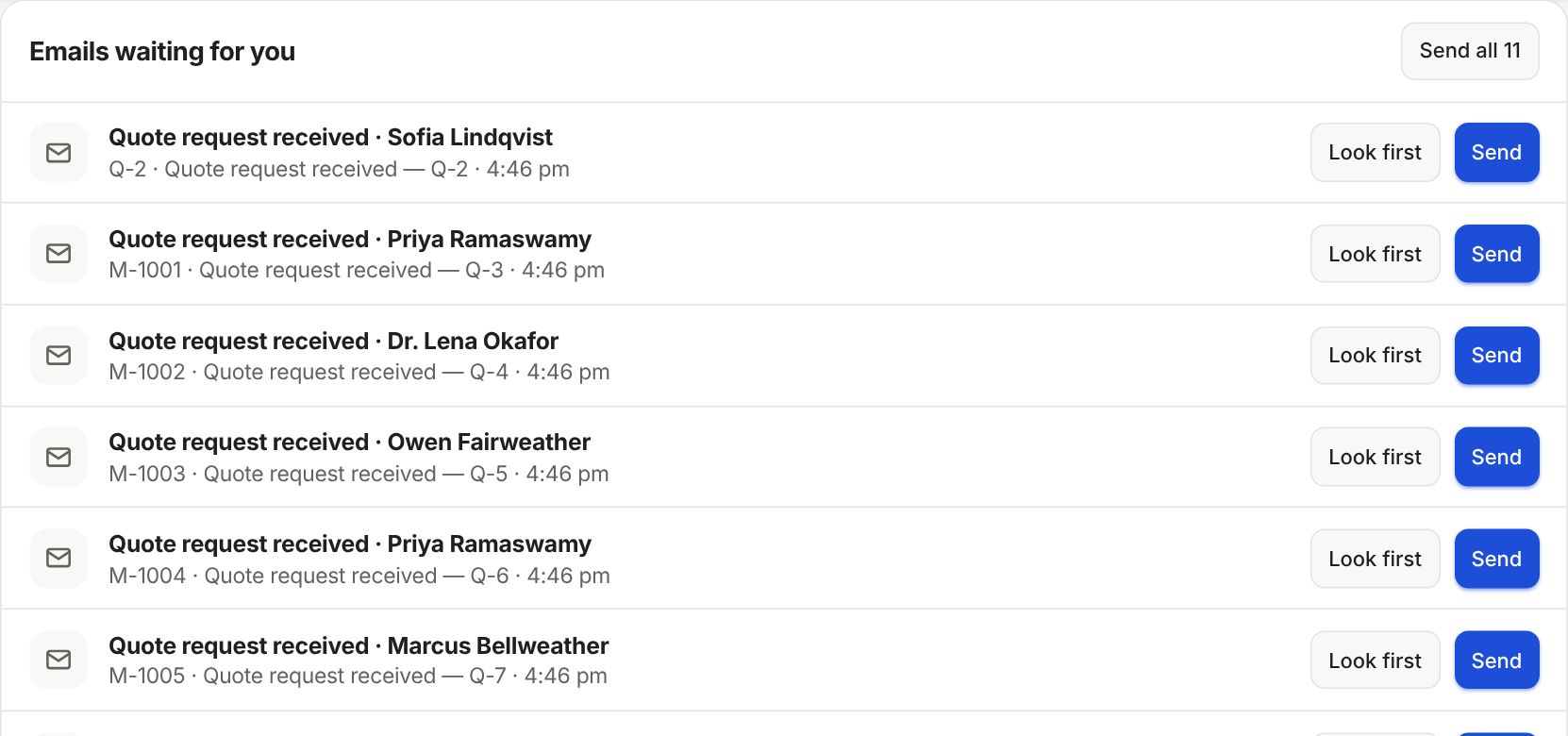
Home shows an Emails to check tile and the list under Emails waiting for you. Each row has Look first and Send. Send all sends the lot.
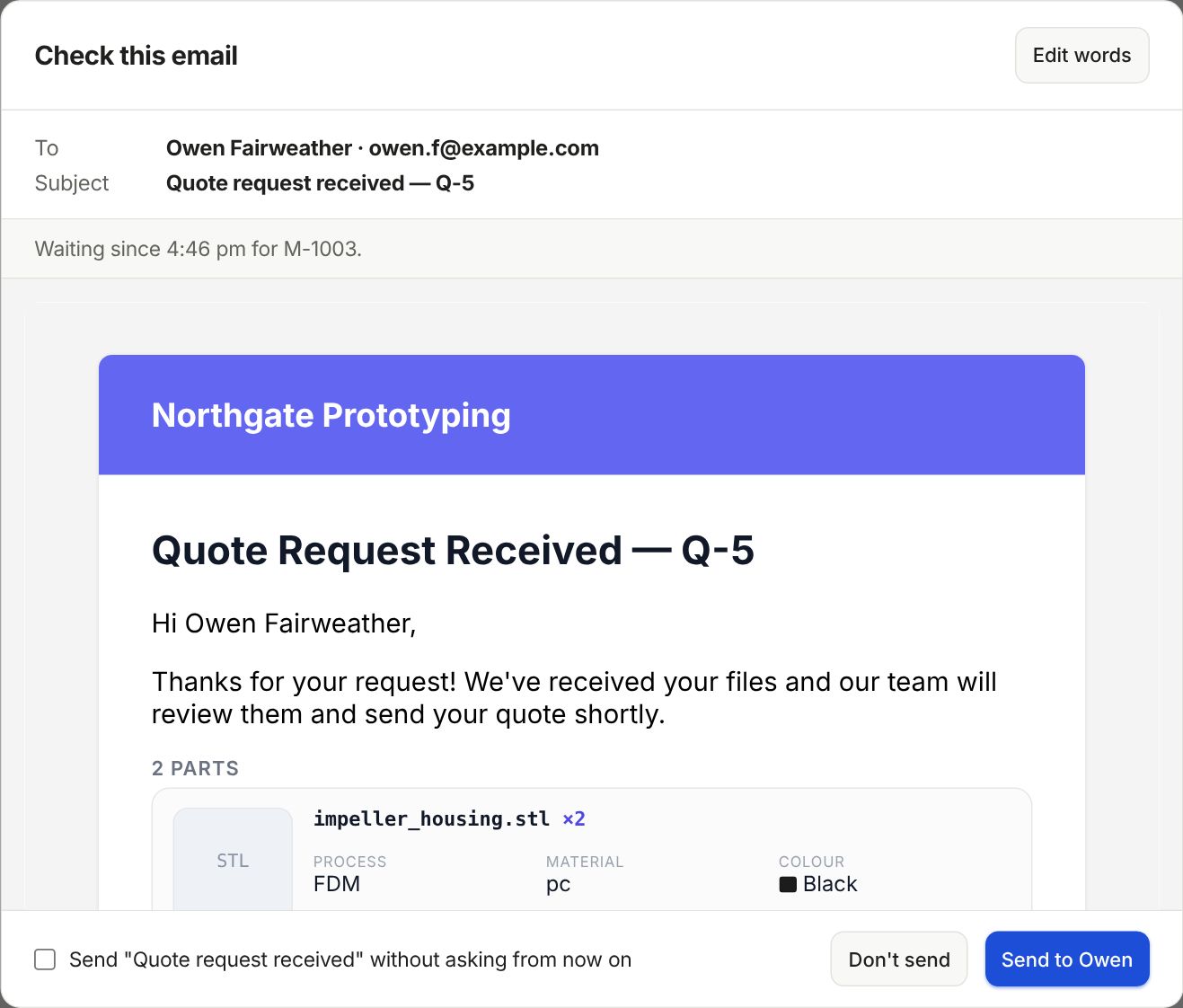
Look first shows the real email, who gets it and the subject. Click Send to Owen, or Don't send to drop it. Edit words takes you to your wording.
Happy with one? Tick the box at the bottom, like Send "Shipped" without asking from now on, and that email stops asking.
Still stuck? Inside Layers3D, open Help and choose Message us. A person answers.