Help › Your customers
Show when it arrives
Tell customers roughly when a shipped order lands, on their track page and in their emails.
Pictures taken from Layers3D 2026.16.09 on Oct 20, 2026
Your ready date is the day the parts leave. Add how long the courier usually takes, and customers see Arrives around with a day.
Turn it on
Go to Settings › Pickup & delivery › Shipping. Pick your Usual shipping time, from 1 business day to 10 business days. It saves as you pick.
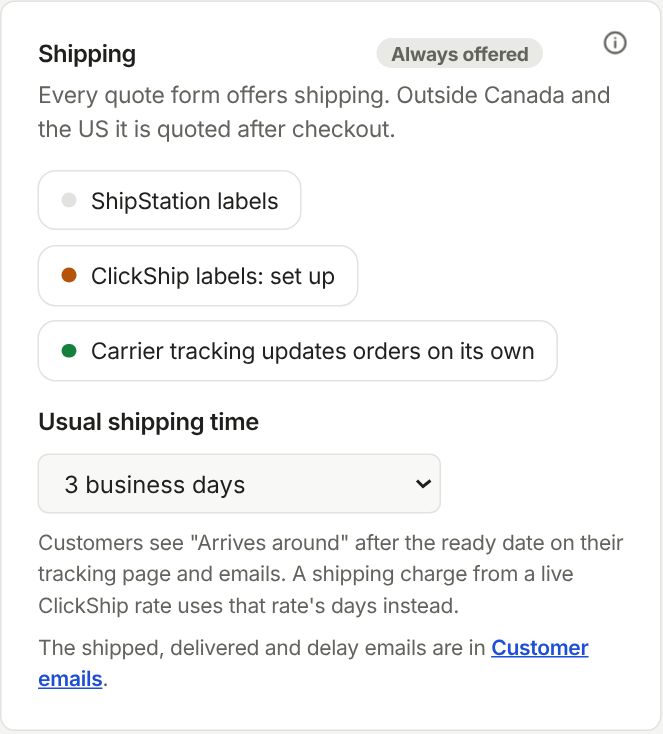
It counts business days only, since couriers do not deliver on the weekend. Don't show an arrival date switches it off.
Where they see it
On their track page, under the ready date, and in their emails. Only for shipped orders, not pickup or delivery.
A shipping charge from a live ClickShip rate uses that rate's days instead. Once a label is bought, the carrier's own date takes over.
Still stuck? Inside Layers3D, open Help and choose Message us. A person answers.