Help › Start here
If Layers3D is down
What you and your customers see when Layers3D can't be reached, what keeps going, and the one thing to check now.
Pictures taken from Layers3D 2026.16.17 on Oct 21, 2026
Most blips last a few seconds, usually while an update goes out. They fix themselves.
In the admin
A page that can't reach Layers3D tries again by itself for about 20 seconds, so a short blip just looks slow. A save is never sent twice. Still an error after that? Wait a minute and press it again.
On your website
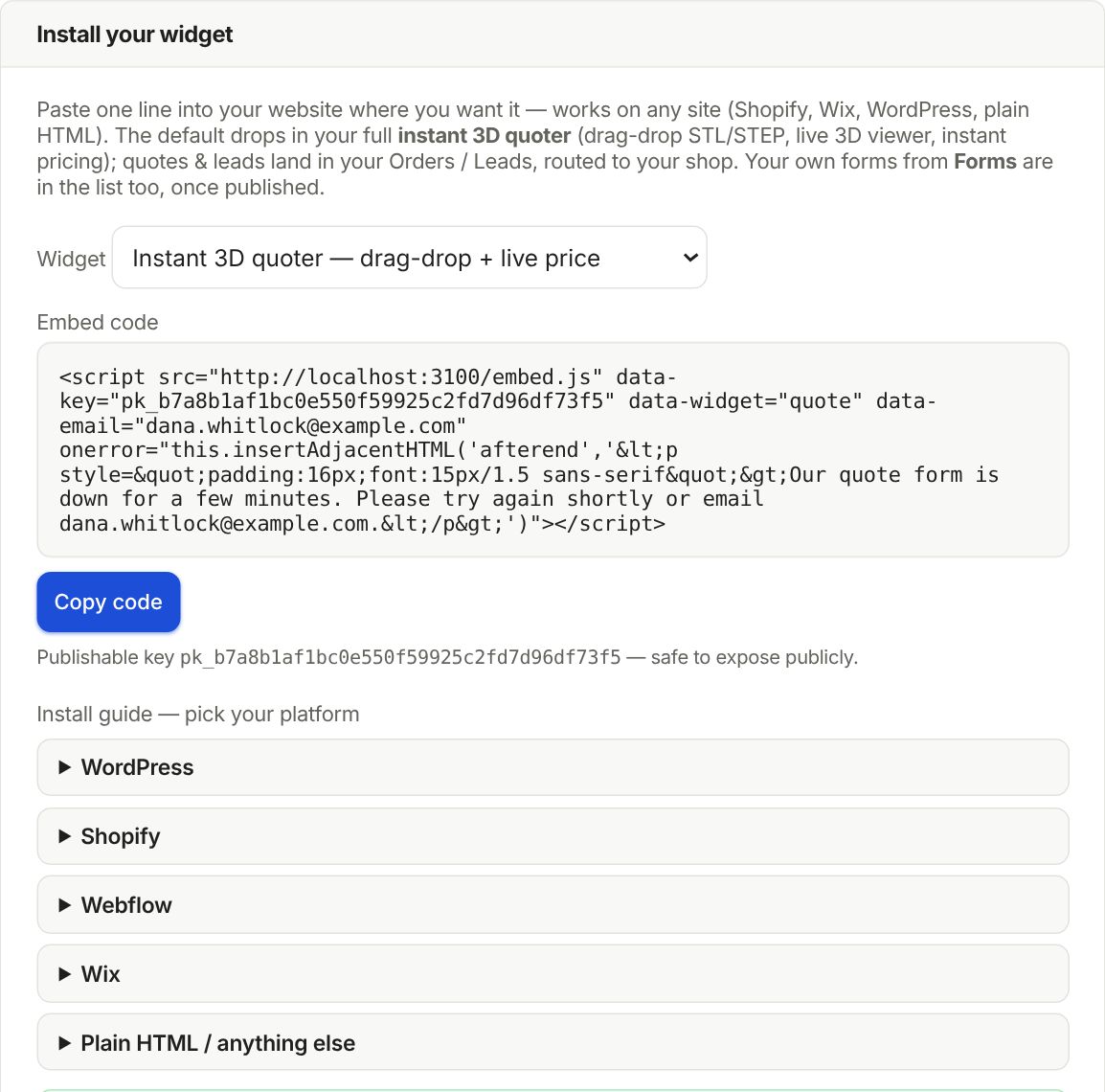
Your quote form says taking longer than usual, trying again and comes back by itself when Layers3D answers. If it is down longer, it says the form is down for a few minutes and asks customers to try again or email you.
What stops and what keeps going
- Prints already on a printer keep going. The shop agent picks up new jobs once Layers3D is back.
- Track pages and quote links in emails won't open until it is back.
- No emails go out while it is down.
Your data is backed up every night, and customer files every few hours.
Still stuck? Inside Layers3D, open Help and choose Message us. A person answers.